

Choosing the right ticketing platform can make or break your event's success. Between fees, branding options, and customer support, the differences add up fast. A platform that works for a massive concert venue may not suit a local food festival, and vice versa.
This guide compares 12 of the best ticket-selling platforms in 2026, based on pricing, customization, support, and event-organizer tools, to help you find the right fit. Whether you need reserved seating for a theater production or mobile scanning for a music festival, the right choice saves time and money. FreshTix is designed for event creators who want total control, transparent pricing, and hands-on support, but this guide covers solutions for every type of organizer.
Table of Contents
-
How to Choose the Best Ticket-Selling Platform for Your Event
-
Why FreshTix Is the Best Ticket-Selling Platform for Organizers
Best Ticket-Selling Platform Overview
Before diving into detailed reviews, here is a comparison table summarizing the top platforms with quick-reference columns for pricing, features, and ideal use cases.
| Platform | Best For | Starting Fees | Customization | Key Features | Notes |
|---|---|---|---|---|---|
| FreshTix | Event organizers (general) | $1.75 per ticket + 3.0% credit card fee | Full branding, reserved seating, analytics dashboard | Branded pages and checkout, POS tools, mobile scanning, seat map tools, built in marketing | 7 day customer support |
| Eventbrite | Ease of use and built in traffic | 3.7% + $1.79 per ticket + 2.9% processing | Moderate | Fast setup, built in discovery tools, general admission ticketing, data export | Lower cost entry, fewer enterprise tools |
| Ticketmaster | Large venues and high volume events | Varies by contract | Enterprise grade | High volume tools, advanced queueing, reserved seating, venue integrations | Built for scale, often higher costs |
| StubHub | Ticket resale marketplace | About 15% of final sale price | None | Secondary market platform, large buyer pool, mobile selling | High fees, resale focused |
| TicketSpice | Customization and niche events | $0.99 per ticket + 2.9% + $0.30 | High | Full branding control, group logic, unlimited ticket types, mobile scanning | Good for unique flows |
| ThunderTix | Performing arts venues | $1.00 to $1.25 per ticket plus plan fee | High | Box office tools, check in, reserved seats, CRM | Transparent per ticket cost |
| TicketLeap | Local or community events | $1 + 2% + processing or $0.49 flat | Medium | Simple setup, mobile friendly, supports free events, social sharing | Good for small budgets |
| Universe | Mid size organizers | 2% + $0.79 or 2.5% + $1.99 | Medium | Ticketmaster ecosystem, flexible ticket types, social integration | Fits community and enterprise needs |
| vFairs | Virtual and hybrid events | Custom quote | High | Virtual lobbies, networking, exhibitor halls, hybrid ticketing workflows | Pricing varies by scope |
| Eventgroove | Nonprofits and fundraisers | Free events free, about 2% + $0.50 for paid | Medium | Donation tools, simple ticketing, nonprofit friendly | Good for nonprofits |
| Bizzabo | Enterprise and corporate events | Starts near $17,999 per year | High | Full event suite, registration, mobile app, analytics, multi event tools | High cost, built for large events |
| TicketSource | Free or small events | Free to organizer | Low | Budget friendly ticketing, simple pages, ideal for small events | Fits tight budgets |
Pricing accurate as of November 2025. Fees may vary by region, currency, event size, and whether the organizer or buyer pays fees. Contact vendors directly for current pricing.
Top 12 Best Ticket-Selling Platforms
The best ticket-selling platform for your event depends on your specific needs, budget, and audience. Below are detailed breakdowns of 12 platforms worth considering in 2026, starting with options built for organizers who want control and flexibility, then moving through specialized solutions for different event types.
1. FreshTix
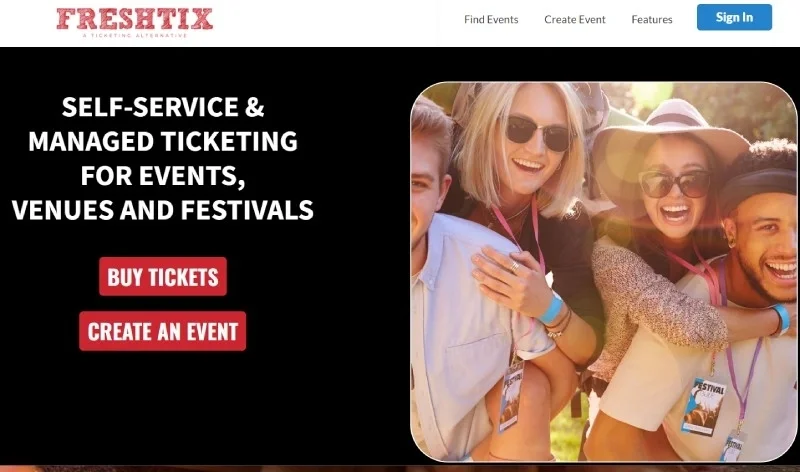
FreshTix is an all-in-one ticket-selling platform built for event organizers who want full control over their branding, data, and sales experience. With transparent pricing and 7-day-a-week customer support, it simplifies ticketing for venues, festivals, and corporate events alike. The platform offers tools to sell tickets online while maintaining complete ownership of your attendee data and brand presence.
Key Features:
- Fully branded event pages and checkout experience
- Customizable seat maps and VIP packages through the reserved seating tool
- Real-time analytics and sales dashboards
- Mobile ticket scanning and POS integration
- Built-in marketing tools and social media integration
Pros:
- Seller-first model built for organizers
- Transparent pricing with no surprise fees ($1.75 per ticket + 3.0% credit card fee)
- Dedicated support available 7 days a week from real people
Cons:
- International availability may be limited compared to global giants
- Advanced features like reserved seating may require some initial setup time
- For very small or simple events, the full feature set might be more than necessary
Ideal For: Event organizers who want full control over branding, ticket types, sales workflows, and analytics, rather than a generic plug-and-play platform.
2. Eventbrite
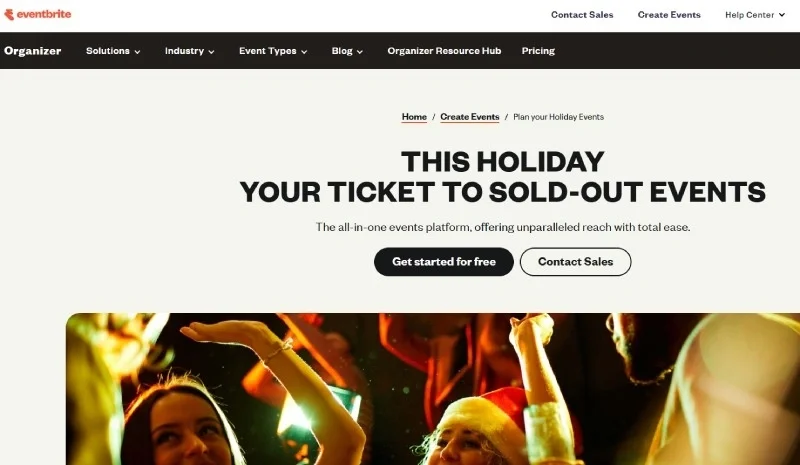
Eventbrite is one of the most recognized names in online ticketing, known for its straightforward setup process and large marketplace of event-seekers. The platform makes it easy to create events quickly and tap into a built-in audience, which can be valuable for organizers looking to increase attendance at events without heavy marketing investment.
Key Features:
- Quick event setup with minimal configuration needed
- Built-in event discovery and marketplace exposure
- General admission ticketing with standard checkout flow
- Basic analytics and data export tools
Pros:
- Fast to launch with minimal learning curve
- Access to a large audience through Eventbrite's discovery ecosystem
- Free events can be listed at no cost to organizers
Cons:
- Fees can add up (3.7% + $1.79 per ticket + 2.9% processing)
- Branding and checkout customization are more limited
- Advanced reserved seating and enterprise integrations are weaker
Ideal For: Organizers who prioritize speed, ease of use, and audience reach, especially for general-admission or local events.
3. Ticketmaster
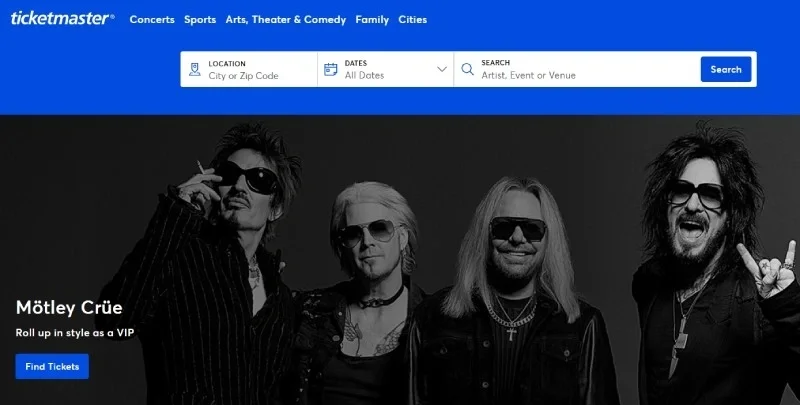
Ticketmaster is the industry standard for large-scale events and major venues. With enterprise-grade infrastructure, advanced queue management, and integrations with venue systems, it handles high-volume ticket sales that would overwhelm smaller platforms. The brand recognition alone provides trust for buyers purchasing tickets to major concerts and sporting events.
Key Features:
- Enterprise-grade ticketing infrastructure for high volume
- Advanced reserved seating and queueing systems
- Extensive integrations with venue CRMs and live event operations
- Trusted brand with a large ticket-buyer base
Pros:
- Excellent for large-scale events, major venues, and high-traffic shows
- Reliable support for complex event logistics
- Strong audience recognition and buyer trust
Cons:
- Fee structure varies widely and can be high compared to simpler platforms
- Setup and management can be complex for smaller events
- May include additional contract negotiations and costs
Ideal For: Large venues or event organizers running major concerts, sporting events, or high-volume shows where scale, brand trust, and advanced seat-mapping matter.
4. StubHub
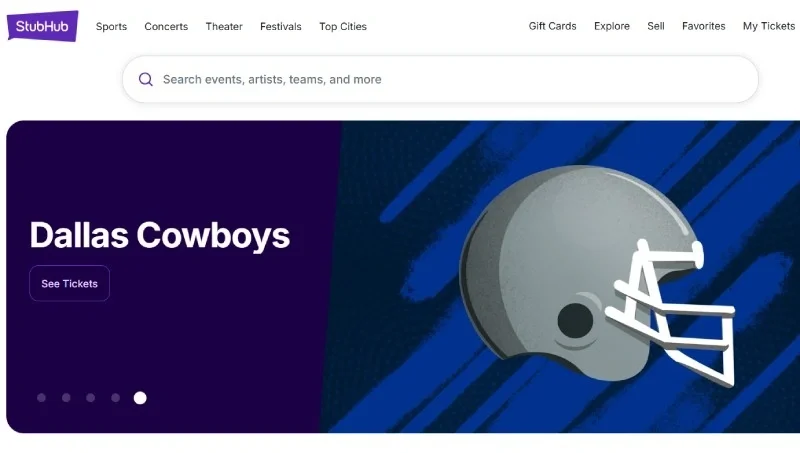
StubHub operates primarily as a secondary-market resale platform where individuals and event holders can list tickets for sale. Rather than serving as a primary ticketing solution for event creation, it connects sellers with buyers looking for tickets to sold-out or high-demand events. If you are interested in strategies to prevent ticket scalping, understanding how resale platforms work is valuable context.
Key Features:
- Large buyer base for resold tickets with real-time pricing visibility
- Buyer and seller protections through established marketplace mechanics
- Easy listing process for multiple events and ticket types
- Mobile-friendly purchasing experience
Pros:
- Good for resale of high-demand tickets where secondary market value matters
- Access to a large audience of ticket buyers browsing for deals or premium seats
- Established brand and marketplace trust
Cons:
- Higher seller fees (approximately 15% of the final sale price) reduce net revenue
- Less suitable for primary event ticketing and first-sale infrastructure
- Organizers have limited control over ticketing workflows and branding
Ideal For: Individuals or organizations dealing with ticket resale rather than primary ticketing, especially for high-demand or premium-seat events.
5. TicketSpice
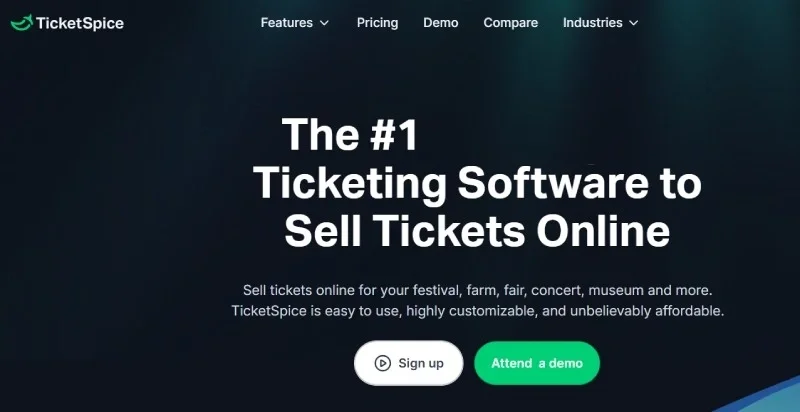
TicketSpice stands out for organizers who need highly customized ticketing flows. The platform offers white-label branding so your event pages look exactly like your own website, plus flexible logic for early-bird pricing, group discounts, and timed-entry ticketing. This makes it particularly useful for niche events with non-standard requirements.
Key Features:
- White-label branding for complete visual customization
- Flexible ticket flows, including early bird, group discounts, and timed-entry logic
- Unlimited ticket types and custom form fields
- Integrations with donation tools and custom checkout add-ons
Pros:
- Strong customization and control over ticketing logic
- Well suited for niche events with non-standard ticketing rules
- Good value for organizers requiring unique workflows
Cons:
- Per-ticket fee structure may add up at very high volumes
- Setup may require more time and configuration compared to simpler platforms
- Fewer built-in audience discovery or marketplace tools
Ideal For: Niche event organizers who require special ticketing logic (group pricing, donation add-ons, early-bird tiers) and want full flexibility over the buyer experience.
6. ThunderTix
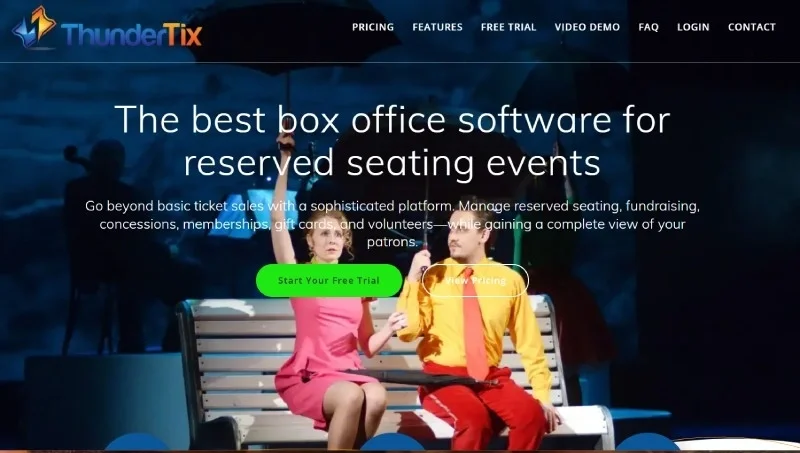
ThunderTix focuses on performing arts venues, theatres, and similar organizations that need robust reserved seating capabilities and box office management. The platform offers transparent per-ticket pricing ($1.00 for general admission, $1.25 for reserved seating) with a monthly plan option for a base General Admission of $20/month for up to 20 tickets, then $1 per ticket beyond that.
Key Features:
- Transparent flat per-ticket pricing plus monthly plan options
- Reserved seating support with custom seat maps
- On-site scanning, box office module, and mobile check-in
- Reporting, CRM, and email tools built for venue use
Pros:
- Predictable cost structure allows easier budgeting
- Strong for venues needing reserved seating and box office workflows
- Good support and a mature platform for medium-sized venues
Cons:
- Set up for custom seating maps may incur additional cost or effort
- Might be more platform than needed for very small or simple events
- Per-ticket fees still accumulate for very large volumes
Ideal For: Performing-arts venues, theatres, and medium-sized event locations needing reserved seating, box office tools, and full control with predictable pricing.
7. TicketLeap
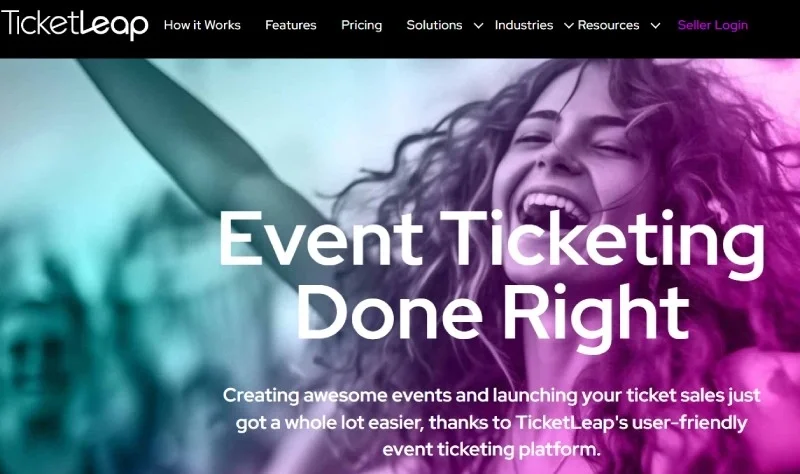
TicketLeap offers a straightforward solution for local and community events where simplicity matters more than advanced features. The platform makes it easy to get started quickly with mobile ticketing and social sharing tools, without overwhelming organizers with options they do not need.
Key Features:
- Simple setup aimed at local and community events
- Mobile-friendly ticketing and event pages
- Free-event support with minimal organizer costs
- Social sharing tools and basic analytics
Pros:
- Very low barrier to entry for small and medium events
- Free events cost little to nothing for the organizer
- Good choice for local ticketing with minimal setup
Cons:
- Advanced customization and features are more limited
- Branding control and integrations may be weaker
- May not scale well for large or complex multi-venue events
Ideal For: Local festivals, community events, or organizers seeking a simple ticketing tool with minimal setup and cost.
8. Universe
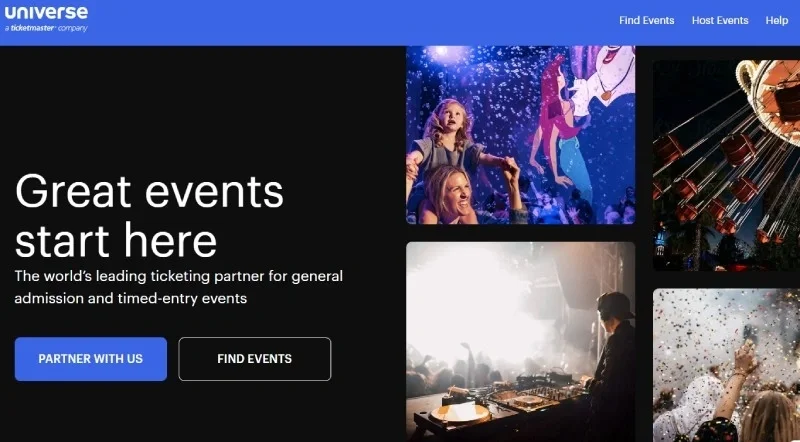
Universe, owned by Ticketmaster, offers a middle-ground solution for organizers who have outgrown basic platforms but do not need full enterprise infrastructure. The platform provides flexible ticket types, social media integration, and customized event pages while connecting to the larger Ticketmaster ecosystem. Pricing starts at 2% + $0.79 per ticket for the Starter plan, with Standard plans at 2.5% + $1.99 per ticket (capped at $19.95 per ticket). Only "Pro" enterprise clients get Ticketmaster marketplace distribution, not standard users.
Key Features:
- Mid-size organizer platform integrated with Ticketmaster ecosystem
- Flexible ticket types and social media sharing tools
- Customized event pages, checkout, and mobile ticketing
- Good feature balance for growing event companies
Pros:
- Balance between ease of use and feature richness
- Good for organizers scaling up beyond very small events
- Connection to larger ticketing ecosystem offers credibility and reach
Cons:
- Fees still moderate; not the lowest cost option for simple events
- Some enterprise features may still be missing
- Custom branding may have some limitations compared to white-label platforms
Ideal For: Mid-sized event creators who are growing, need more than basic ticketing, but do not require full enterprise complexity.
9. vFairs
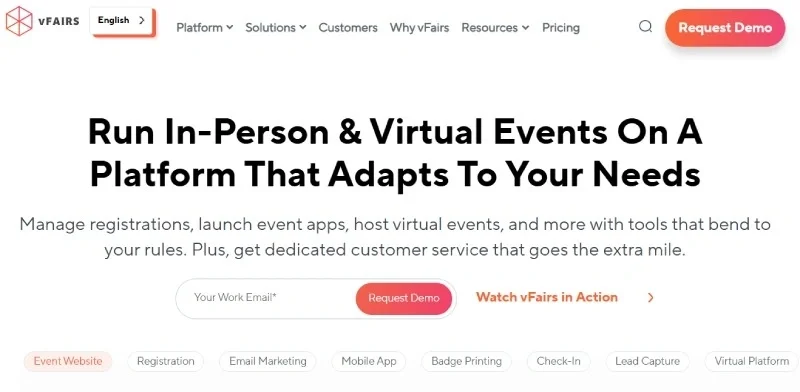
vFairs specializes in virtual and hybrid event infrastructure, offering virtual lobbies, exhibit halls, webinars, and interactive features that replicate in-person experiences online. For organizations running conferences, trade shows, or events with global attendees, vFairs provides tools that standard ticketing platforms lack. If you are exploring event marketing on TikTok or other digital channels, combining those efforts with a virtual event platform can expand your reach significantly.
Key Features:
- Virtual and hybrid event infrastructure, including virtual lobbies and exhibit halls
- Custom event branding with interaction tools like chat, polling, and networking
- Ticketing and registration for virtual and hybrid formats
- Support for large-scale digital attendance and global audiences
Pros:
- Well-suited for virtual and hybrid events where digital attendee experience matters
- High flexibility for branding and interactivity in online formats
- Strong for trade shows, remote conferences, and events with global reach
Cons:
-
Custom quote pricing (often higher cost) makes budgeting harder for smaller events
-
Over-engineered for purely in-person, smaller events
-
Learning curve may be steeper due to feature richness
Ideal For: Organizations running virtual or hybrid conferences, trade shows, or exhibitions where digital attendee experience and interactivity are essential.
10. Eventgroove
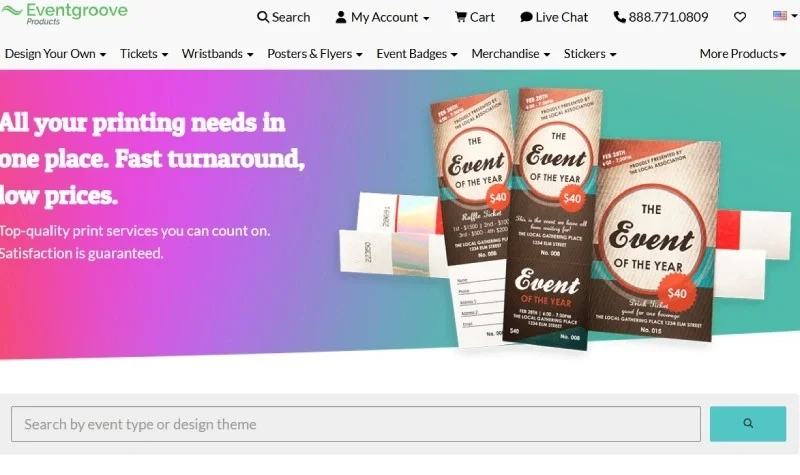
Eventgroove combines ticketing with fundraising and donation tools, making it particularly valuable for nonprofit organizations. The platform offers low-cost service models tailored for budget-conscious groups while providing the ticketing functionality needed for galas, charity events, and community fundraisers. For those just getting into event management, platforms like Eventgroove offer a gentle learning curve.
Key Features:
-
Ticketing plus fundraising and donation tools combined
-
Low-cost service model tailored for nonprofit and fundraising events
-
Simple ticketing setup with donor integrations and email tools
-
Support for both ticket sales and donation tracking
Pros:
-
Good value for nonprofits and fundraisers with limited budgets
-
Combines ticketing and fundraising in one tool
-
Lower per-ticket fees compared to many standard platforms
Cons:
-
Fewer enterprise-grade features for large-scale events
-
Limited brand customization or advanced integrations
-
Pricing and feature details are less publicly transparent, may require custom quotes
Ideal For: Nonprofit organizations, fundraisers, and community events where combining ticketing with donations is important and the budget is constrained.
11. Bizzabo
Bizzabo offers a full event management suite designed for large organizations running frequent corporate events. The platform includes registration, ticketing, mobile apps, reporting and analytics, and multi-event portfolio management, making it suitable for companies with dedicated event teams and substantial budgets. Pricing starts at approximately $17,999 per year with a 3-user minimum ($499/user/month billed annually).
Key Features:
-
Full event management suite including registration, ticketing, mobile app, and analytics
-
Enterprise-grade features for corporate events, including agenda management and networking
-
Seamless integrations with CRM and marketing platforms
-
High-level support for large-scale conferences and corporate gatherings
Pros:
-
Rich feature set for professional event management
-
Excellent for running frequent, complex events with many moving parts
-
Strong analytics and data-driven tools
Cons:
-
High cost (approximately $17,999/year and up) puts it out of reach for many smaller organizers
-
Over-engineered for simple one-off events or smaller audience sizes
-
Requires dedicated event-tech resources to manage effectively
Ideal For: Large organizations or agencies running frequent corporate events, multi-location conferences, or large-scale gatherings needing a full event-management ecosystem.
12. TicketSource
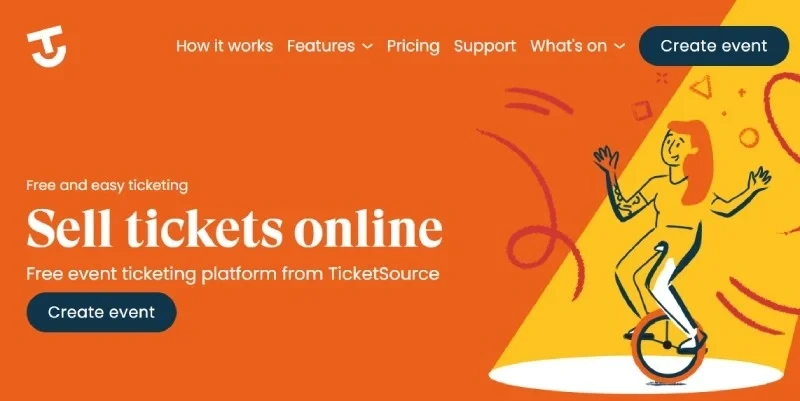
TicketSource offers one of the most budget-friendly options for small events, with free ticketing for organizers and fees passed to buyers instead. The platform keeps things simple, making it accessible for local organizations and first-time event hosts who need basic functionality without upfront costs. For organizers looking to reduce fees when selling tickets online, this buyer-pays model is worth considering.
Key Features:
-
Free to organizer for free events, with low-cost ticketing model for paid events
-
Simple ticketing setup aimed at small events
-
Straightforward event-page creation, checkout, and reporting
-
Minimal setup time and low budget requirement
Pros:
-
Very affordable with minimal cost barrier for small or budget-conscious events
-
Easy to use and quick to set up for local and community organizers
-
Low cost makes it attractive for smaller-scale events with tight budgets
Cons:
-
Limited advanced features or customization compared to larger platforms
-
May lack integrations and advanced analytics found in enterprise platforms
-
Might not scale well for large or complex events
Ideal For: Small-budget events, community gatherings, and local organizations needing a straightforward ticket-sale solution without heavy features or cost.
How to Choose the Best Ticket-Selling Platform for Your Event
With so many online ticketing platforms available, choosing the right one can feel overwhelming. The best fit depends on your event's goals, size, and audience. Whether you're planning a local festival or a large corporate event, use these key factors to find a platform that saves time, maximizes sales, and delivers a great attendee experience.
Define Your Event Goals
Start by identifying what success looks like for your event. Consider the event type, expected attendance, and the tools you'll need, such as reserved seating, mobile scanning, custom branding, or verified resale ticket options for buyer protection. Knowing your must-have features helps you focus on platforms designed for your use case rather than one-size-fits-all solutions.
Pro Tip: FreshTix offers dedicated solutions for venues, festivals, and organizers who want full control over their branding and reporting. Explore the full ticketing features to see what fits your needs.
Compare Pricing and Fee Transparency
Ticketing fees can vary widely, and unexpected costs add up quickly. Compare per-ticket rates, processing fees, and payout structures. Look for platforms with transparent, predictable pricing so you can protect your margins and avoid surprise deductions after the event. You can also explore strategies for managing ticketing add-on fees to offset costs while maintaining buyer trust.
As of May 2025, the FTC's Junk Fees Rule requires ticketing platforms to display all-in pricing upfront for live-event tickets. Look for platforms that clearly show the total price, including all service and processing fees, at checkout.
Pro Tip: FreshTix keeps pricing straightforward, with no unexpected fees or service markups passed to your buyers.
Evaluate Features and Customization Options
Not all platforms offer the same level of flexibility. If your event relies on brand recognition or sponsorships, choose a platform that allows custom branding, flexible ticket tiers, and personalized attendee communication. Advanced reporting, seat maps, and integration tools can also streamline your operations.
Pro Tip: FreshTix's fully branded event pages and built-in analytics tools help you maintain a consistent brand experience from checkout to check-in.
Test the Platform Before You Commit
Take advantage of demos or trial periods whenever possible. A hands-on walkthrough lets you see how intuitive the interface is for both organizers and buyers. Pay attention to dashboard usability, checkout flow, and mobile responsiveness, all of which impact your ticket sales and attendee satisfaction.
Review Customer Support Quality
Even the best software can hit snags, so responsive support is essential. Check what support options each platform offers (live chat, phone, email) and whether assistance is available during critical event hours.
Pro Tip: FreshTix provides 7-day-a-week live support from real people, not chatbots, to ensure your events run smoothly.
Consider Scalability and Growth
Choose a ticketing system that can scale with your events. As your audience grows, you'll want features like tiered pricing, seating upgrades, and marketing integrations without having to switch platforms. A scalable system saves you time and protects your attendee data long-term. For recurring programming, explore options like season tickets to build audience loyalty.
Check Integrations and Marketing Capabilities
Look for a platform that connects easily with your existing tools, like CRM software, Google Analytics, or email marketing platforms. Integrations streamline your workflow, while built-in marketing features (like promo codes or referral tracking) can help boost sales. Social media integration can drive significant ticket sales when your platform supports easy sharing.
Pro Tip: FreshTix integrates with all major marketing tools and offers real-time data tracking to help you optimize performance.
Why FreshTix Is the Best Ticket-Selling Platform for Organizers
After comparing 12 platforms across pricing, features, support, and customization, FreshTix stands out for organizers who want a seller-first approach without enterprise-level complexity or costs. Here is what makes FreshTix different.
Transparent, Predictable Pricing: At $1.75 per ticket plus a 3.0% credit card fee, you know exactly what you are paying. There are no surprise service charges or platform fees eating into your revenue. Free events are always free on FreshTix, unlike competitors who charge processing fees even when tickets cost nothing.
Full Branding Control: Your event pages, checkout experience, and mobile tickets reflect your brand, not ours. Customizable seat maps, ticket types, and communication tools let you create the exact experience your attendees expect.
Real Support from Real People: FreshTix provides customer support 7 days a week from actual humans who understand event operations. When something goes wrong on event day, you need answers fast, not chatbot suggestions.
Tools That Scale: From the full feature set, including reserved seating, box office management, and mobile scanning to real-time analytics and ticket protection through XCover, FreshTix grows with your events. Start with a single event and expand to multi-day festivals or full venue seasons without switching platforms. If plans change unexpectedly, FreshTix also supports smooth event cancellation processes.
Built for Event Professionals: FreshTix was created by people who understand live events. The platform reflects practical experience with what organizers actually need, from increasing attendance to understanding dynamic pricing for concert tickets.
Whether you are getting into event management for the first time or running a venue with year-round programming, FreshTix provides the balance of power and simplicity that helps you sell more tickets while keeping more of what you earn.
Ready to take control of your ticketing? Get Started Free with FreshTix today.
Influencer Marketing Manager: What They Do & How They Help Events Sell More Tickets How to Safely Sell Tickets Online (2025 Guide)